
LingoMacBar
Translate selected text instantly from your macOS menu bar with Google Translate or DeepL — without switching apps.
- Productivity
- macOS
// Built and shipped independently | by Mustafa Ramx
//what it does
- +Instant translation from the menu bar or a global keyboard shortcut
- +Google Translate and DeepL support
- +100+ languages for everyday translation needs
- +Auto, Light, and Dark theme options
- +Auto-focused input for typing immediately after opening
- +Recent translation history in a compact menu bar popover
//preview
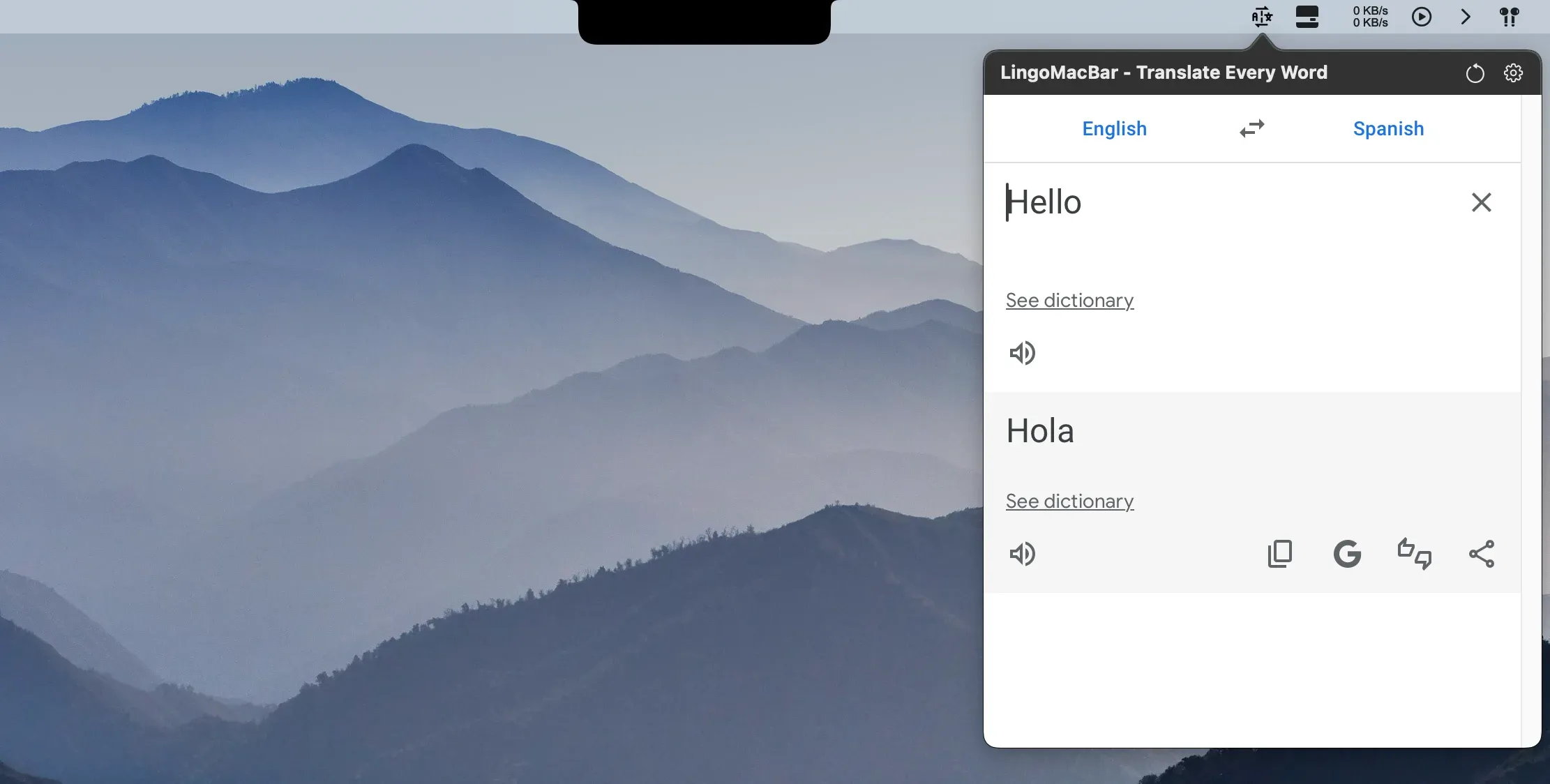
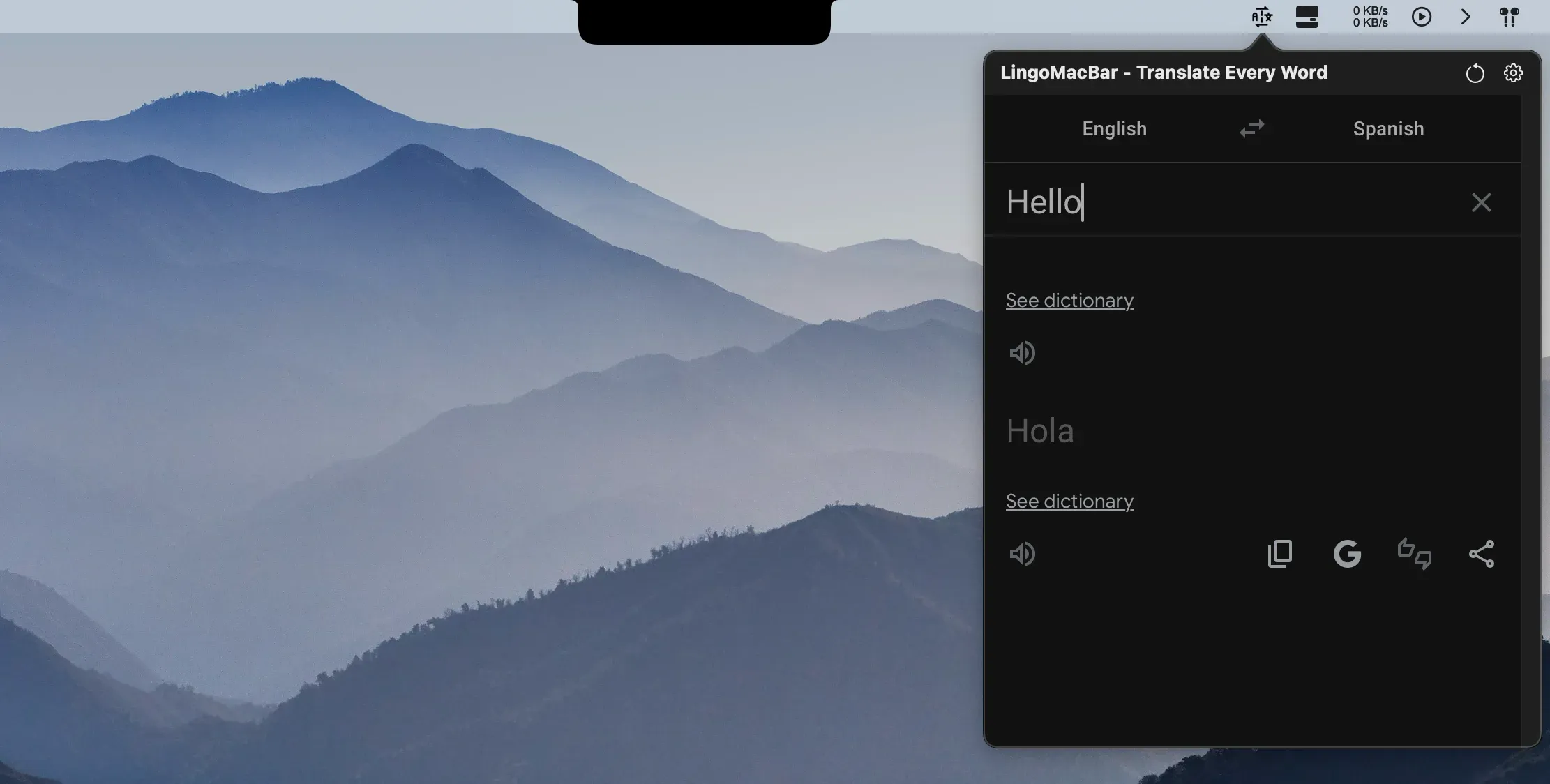
//the build
LingoMacBar is a lightweight macOS menu bar translator for students, developers, writers, content creators, remote workers, and anyone working across languages. Highlight text in the app you are already using, press a shortcut, and translate it with Google Translate or DeepL without opening another tab or interrupting your workflow.
The app keeps translation close at hand while staying deliberately small. A configurable global keyboard shortcut opens the translator, the input field is ready for typing immediately, and recent translations remain available inside the menu bar popover. Auto, Light, and Dark themes make it fit naturally into different macOS setups, while support for more than 100 languages keeps it useful beyond quick phrase lookups.
I designed and shipped LingoMacBar in Swift and SwiftUI with MenuBarExtra. The product depends on platform details most people never see: a system-wide keyboard shortcut through Carbon’s RegisterEventHotKey path, selected-text retrieval through the macOS accessibility API, and graceful handling for apps that do not expose a selection. Translation content is provided through Google Translate and DeepL inside a focused WebView, so provider interface changes can occasionally affect the visual layer without changing the app’s lightweight menu bar workflow.
The goal was not to build another full translation workspace. It was to remove the copy, paste, browser-tab, and app-switching loop from everyday translation and make the result feel like a small, dependable part of the Mac.
//explore more apps
3 apps- macOS 13+

MarketPulseBar
 FinanceDetails →
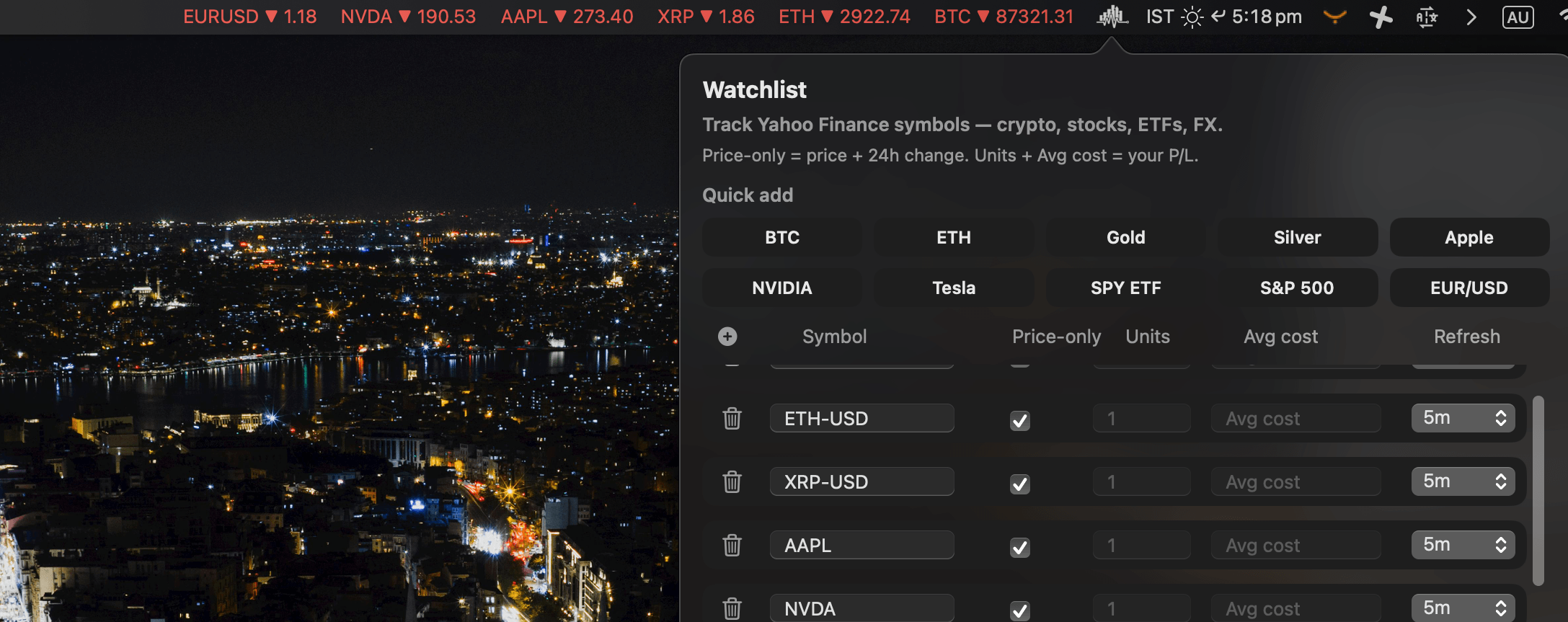
Track stocks, crypto, ETFs, forex, indices, and commodities live from your macOS menu bar — without charts or clutter.
- macOS

BoringNotch+
 UtilityDetails →
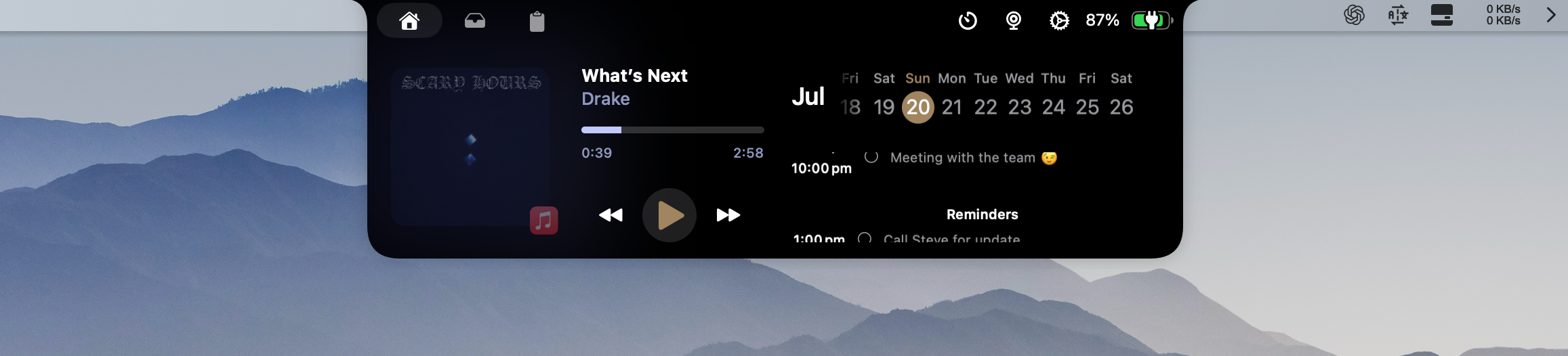
An enhanced open-source macOS notch utility for media, reminders, clipboard history, Pomodoro sessions, and everyday widgets.
- Windows 11 x64

FluentDock
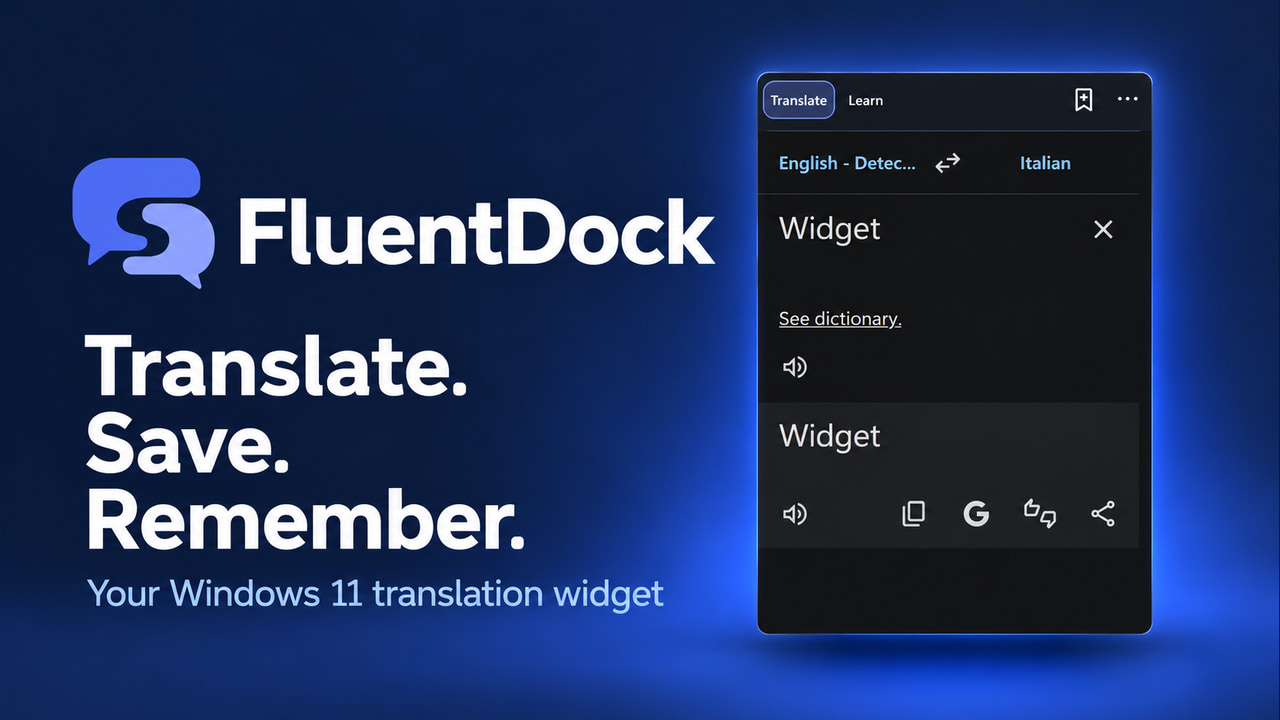 Language LearningDetails →
Translate, save and review vocabulary in a compact Windows 11 desktop widget built for everyday learning.