
FluentDock
Translate, save and review vocabulary in a compact Windows 11 desktop widget built for everyday learning.
- Language Learning
- Windows 11 x64
// Designed and built independently for Windows | by Mustafa Ramx
//what it does
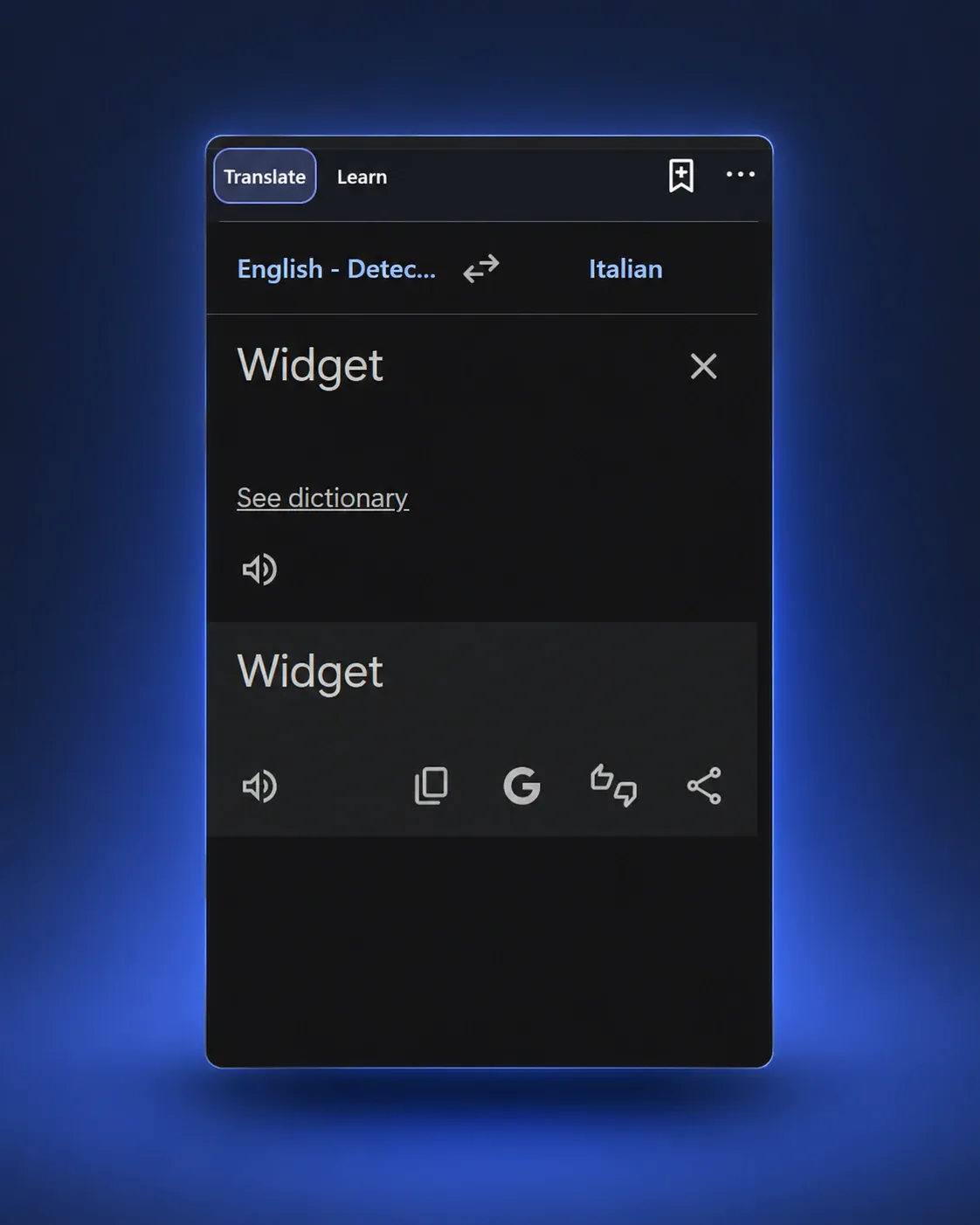
- +Google Translate and DeepL in a compact desktop translation widget
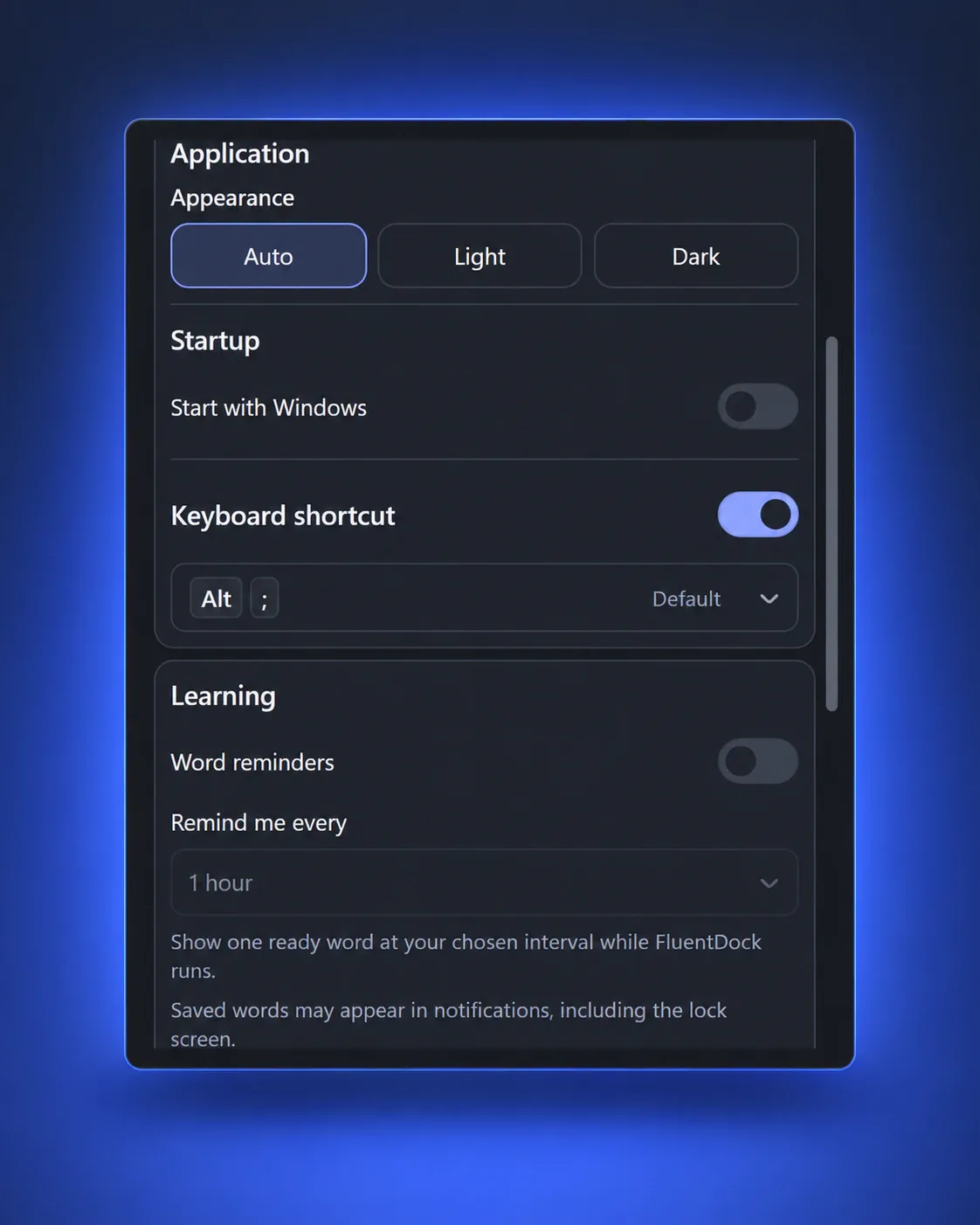
- +Tray access, a global keyboard shortcut and an optional pinnable window
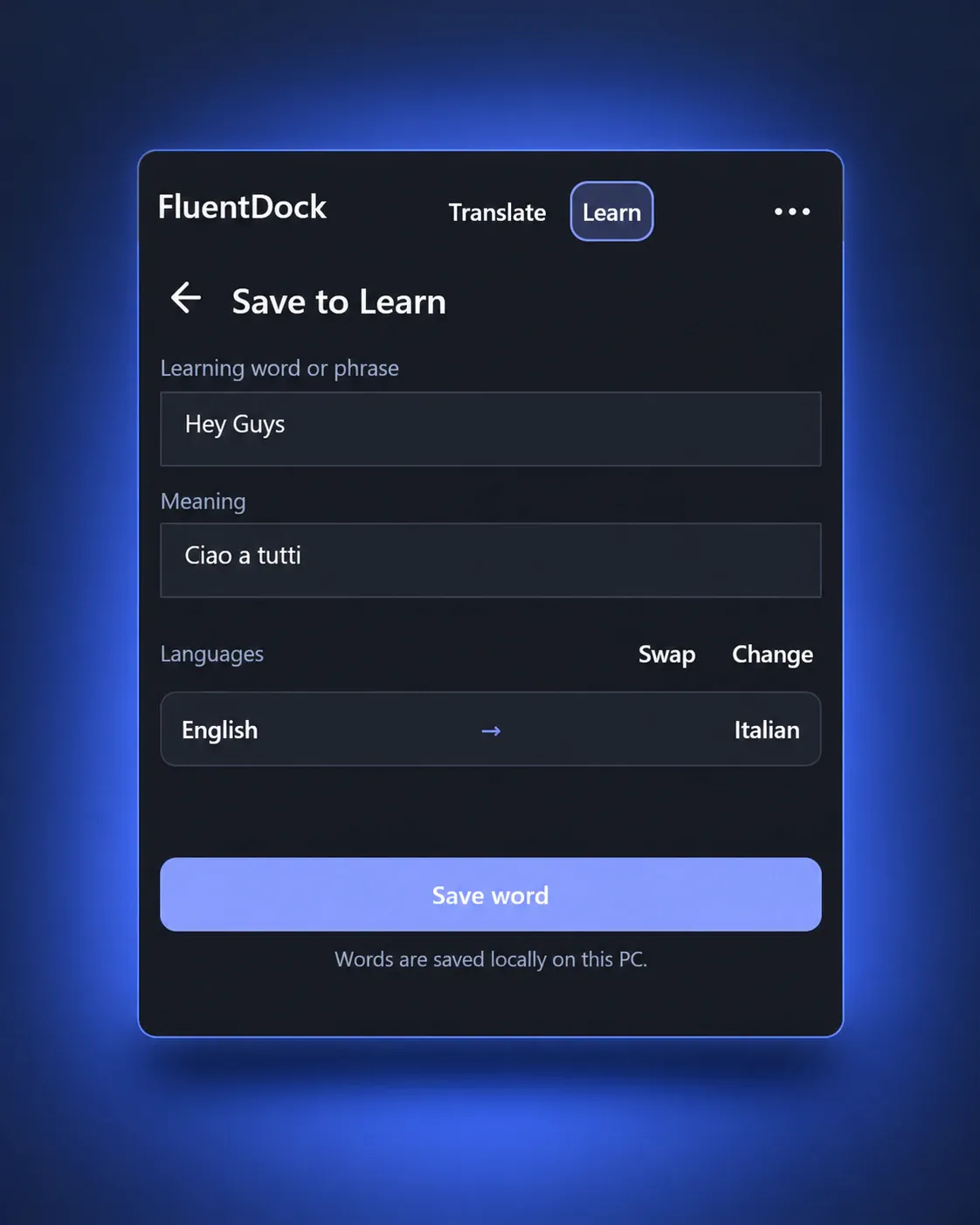
- +Save, search and organise vocabulary locally on your PC
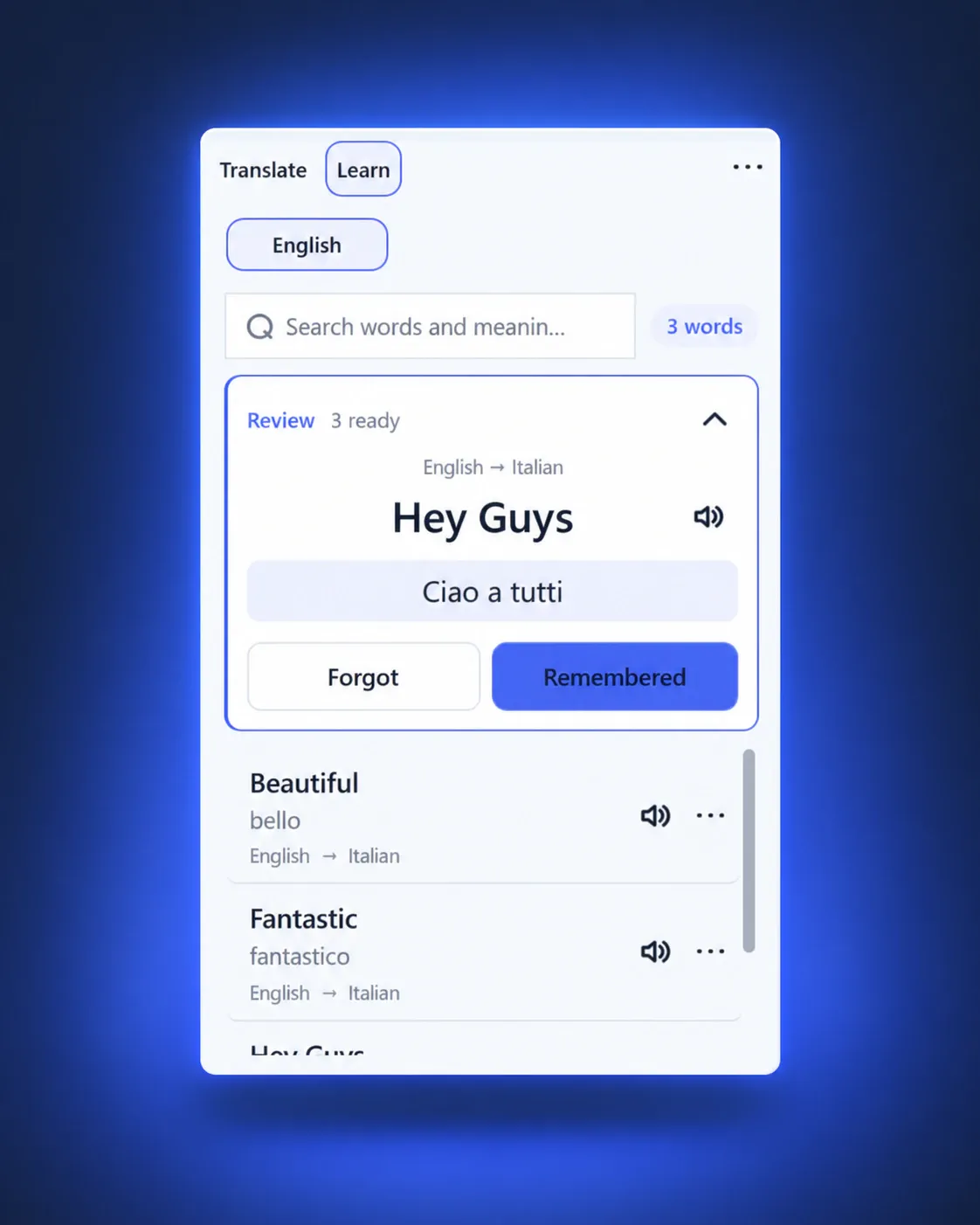
- +Review words with Forgot, Remembered and Quick Recall actions
- +Hear pronunciation using installed Windows voices
- +Optional vocabulary reminders with no FluentDock usage telemetry
//preview
//the build
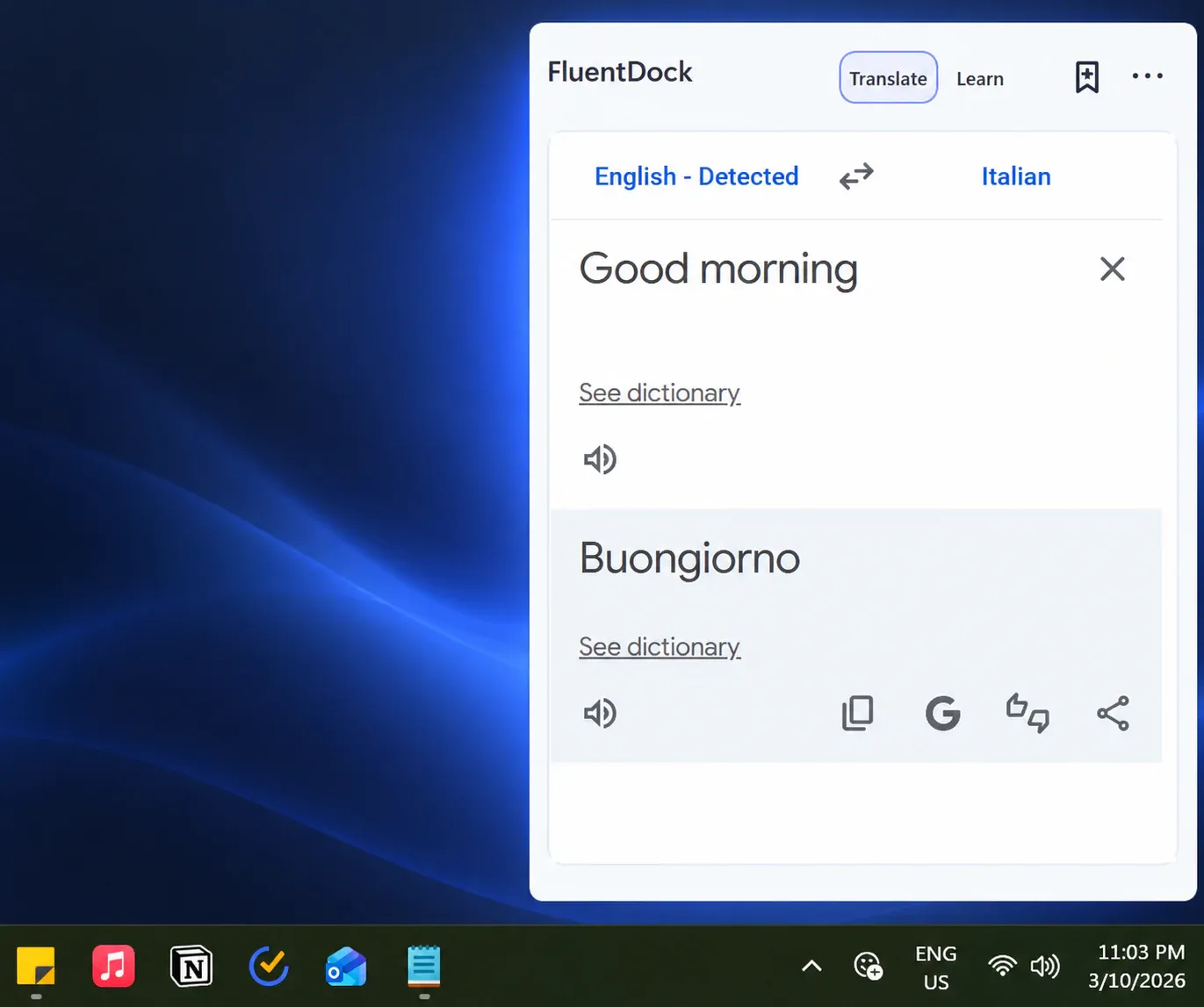
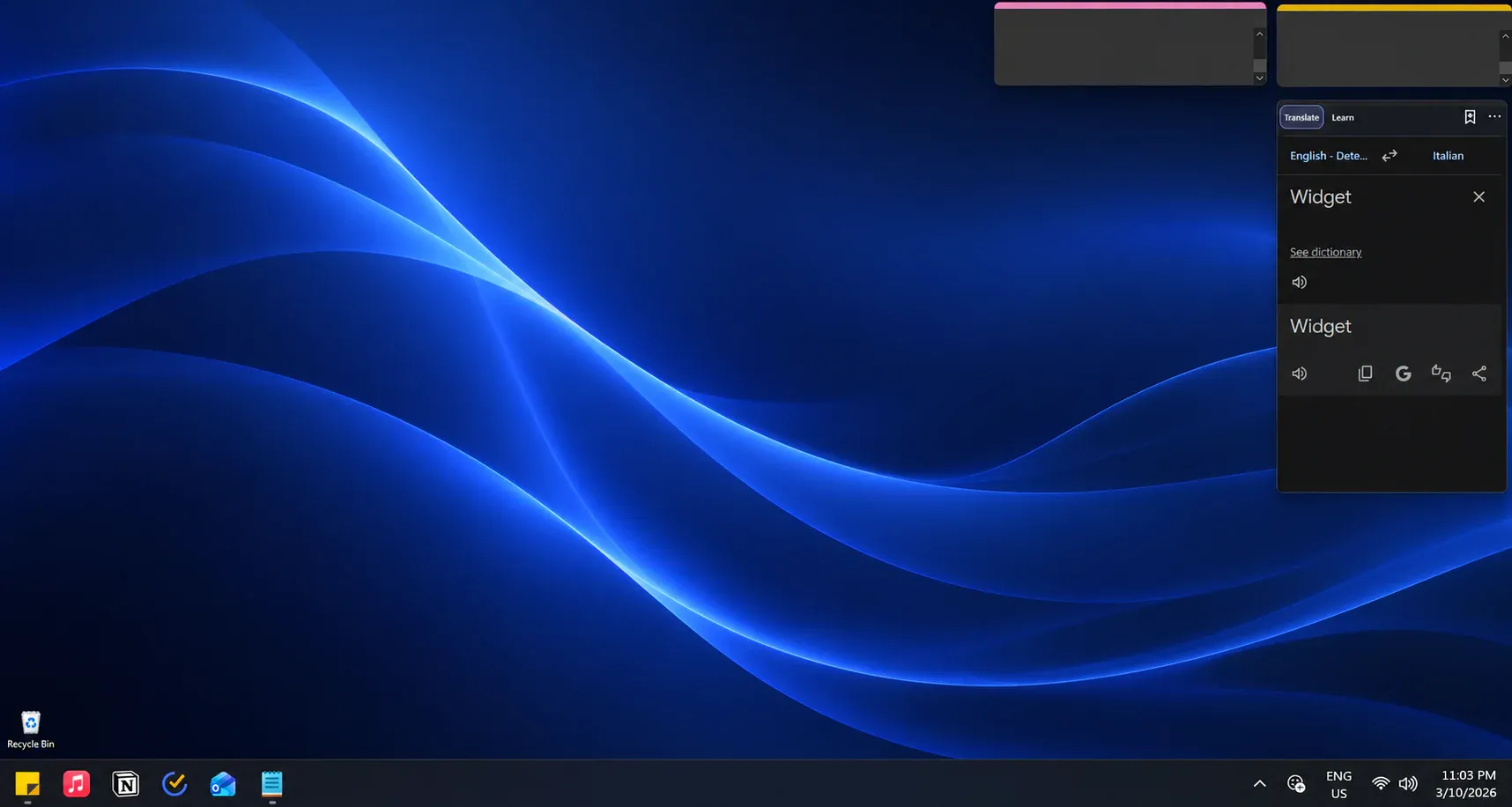
FluentDock is a Windows 11 translation and vocabulary app built around one practical learning loop: translate, save, review and remember. It keeps Google Translate or DeepL close in a compact desktop translation widget, then turns useful translations into vocabulary you can practise without moving between unrelated apps.
A desktop translation widget that stays within reach
Open FluentDock from the notification area or with a global keyboard shortcut when you need a translation. You can also pin its widget-style window to the desktop, keep it above other windows and lock its size and position. FluentDock is a focused desktop window, not an extension for the Windows Widgets panel.
Translate and save vocabulary on Windows
Choose Google Translate or DeepL, translate through the provider’s familiar interface and save useful words or phrases to Learn. Your vocabulary library is searchable and stored locally, making FluentDock useful as both a Windows translator app and a lightweight vocabulary organiser.
Review words, hear pronunciation and build recall
FluentDock schedules saved vocabulary for review and lets you answer with Forgot, Remembered or Quick Recall. Pronunciation uses voices already installed in Windows, while optional reminders bring due words back at the interval you choose. The aim is simple: help useful translations become words you can recall later.
Local learning data and clear privacy boundaries
Settings, saved vocabulary and review progress stay on your PC. FluentDock does not add its own usage telemetry. Translation content is still handled by the provider you select, so Google Translate or DeepL’s terms and privacy practices apply when you use their service.
Windows requirements
FluentDock 1.0 is built for Windows 11 on x64 PCs and uses Microsoft Edge WebView2 for the embedded translation experience. Translation requires an internet connection; saved vocabulary, review history and app settings remain available locally.